
- Look for the Cisco Secure Client on your desktop. If it is not there, do a Windows search.

- A window will prompt. Hit Connect.
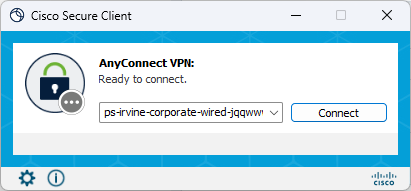
- If the text field is empty, copy and paste this into the field:
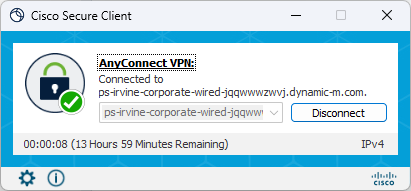
- ps-irvine-corporate-wired-jqqwwwzwvj.dynamic-m.com
- Otherwise, choose "Powerstone VPN"
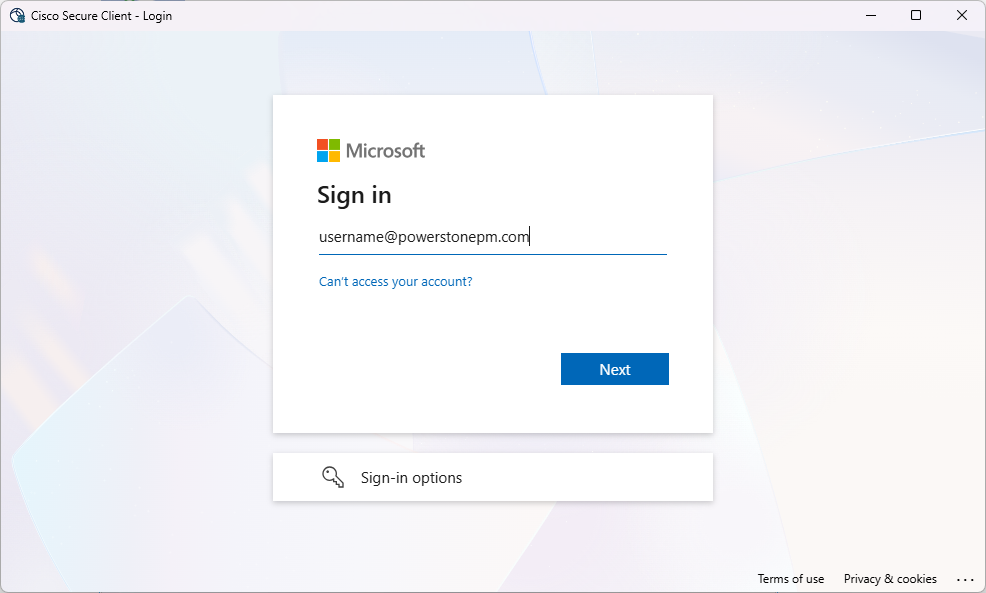
- A new window will pop up, prompting you to log in. Use your work email address and password.
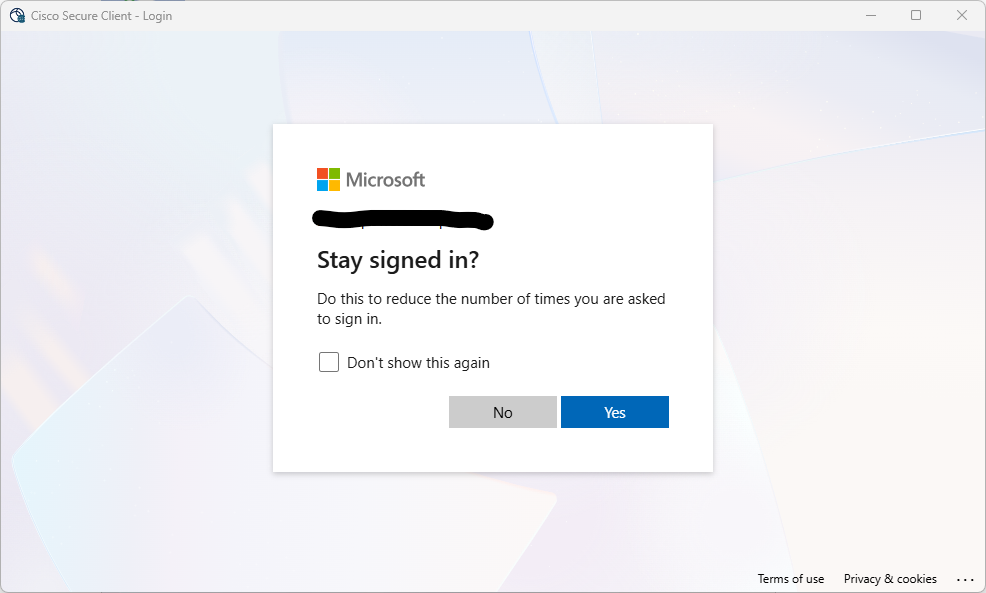
- After a successful login, it will ask if you want to stay signed in. You can choose either option.
- Upon a successful connection, you will get a notification. Hit Accept
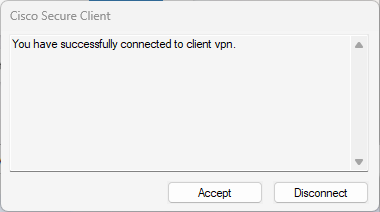
- You're now connected
Cisco VPN Print
Created by: Ray Lam
Modified on: Tue, 17 Mar, 2026 at 11:54 AM
Did you find it helpful? Yes No
Send feedbackSorry we couldn't be helpful. Help us improve this article with your feedback.