
Web Client
- On your 3CX web browser version (https://3cx.powerstonepm.com:5001/), go to Settings > Greetings
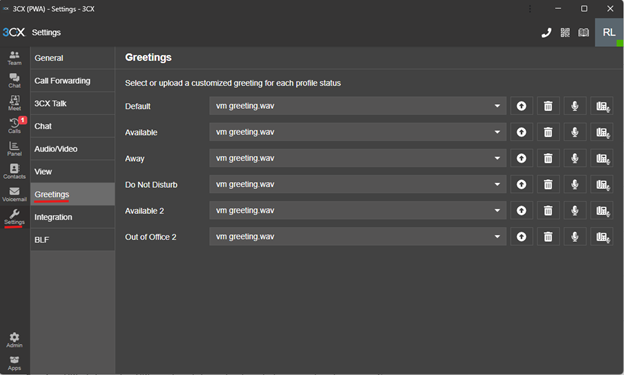
- On the right hand side, you will have the option to record from the headset connected to your machine (left) or your desk phone will call you to create a recording (right)

- When clicking either option, you will be prompted to name the file before recording. Please name it accordingly.
Desk phone
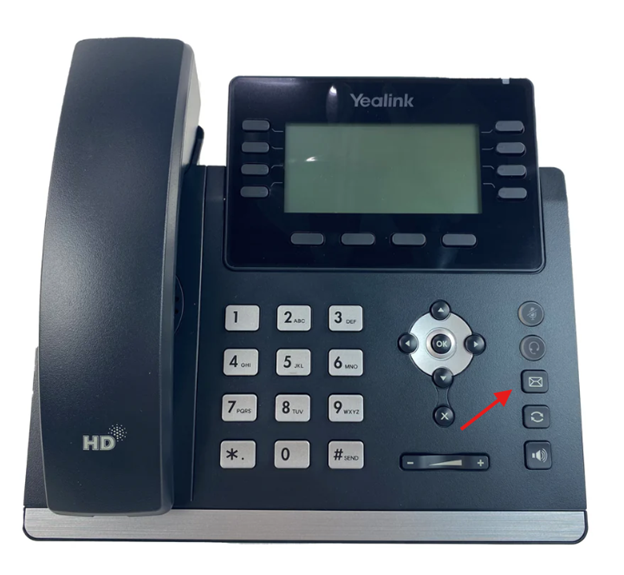
- Press the envelope button on your phone
- Punch in your pin follow by #
- Press 9 for more options
- Press 8 to change your greeting message.
- Please follow the instructions on the phone to update your greeting message.