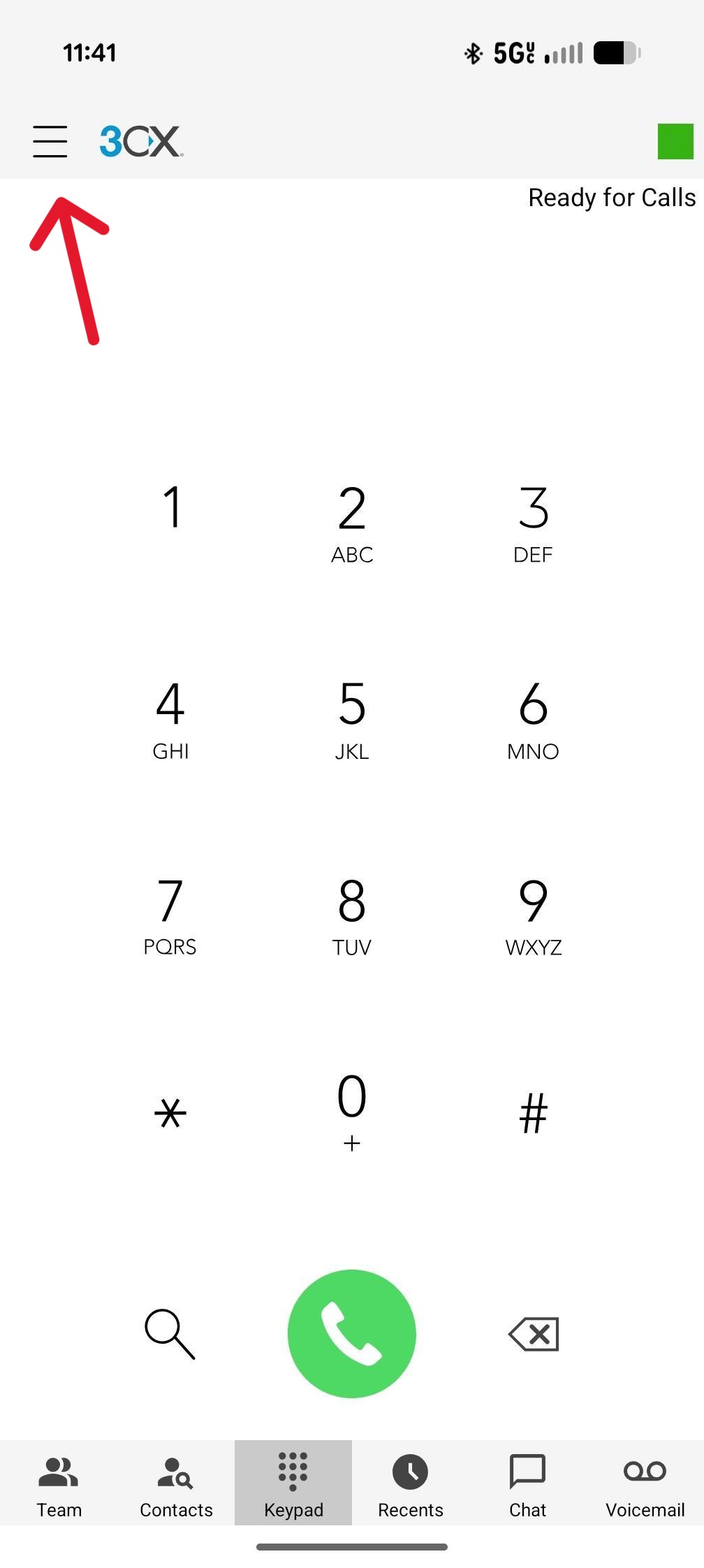
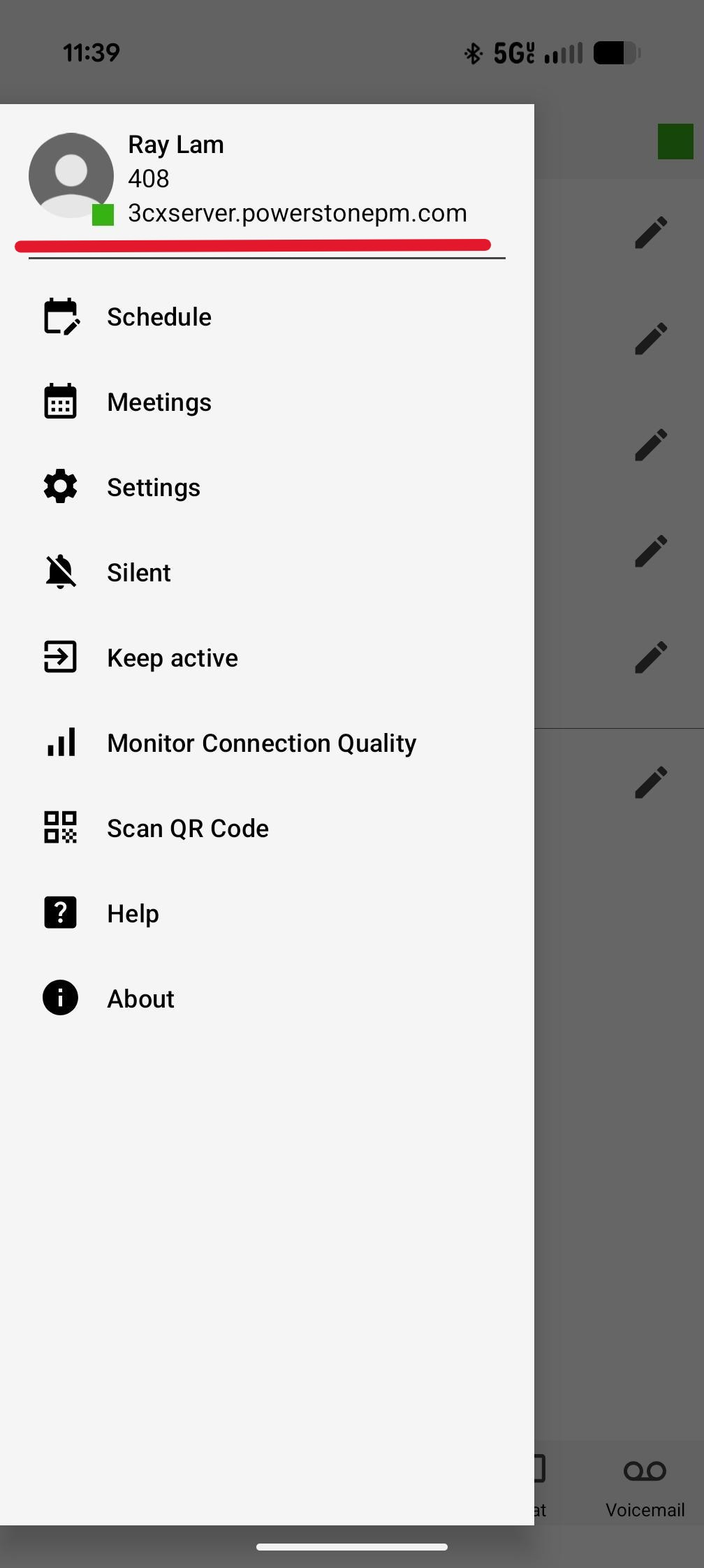
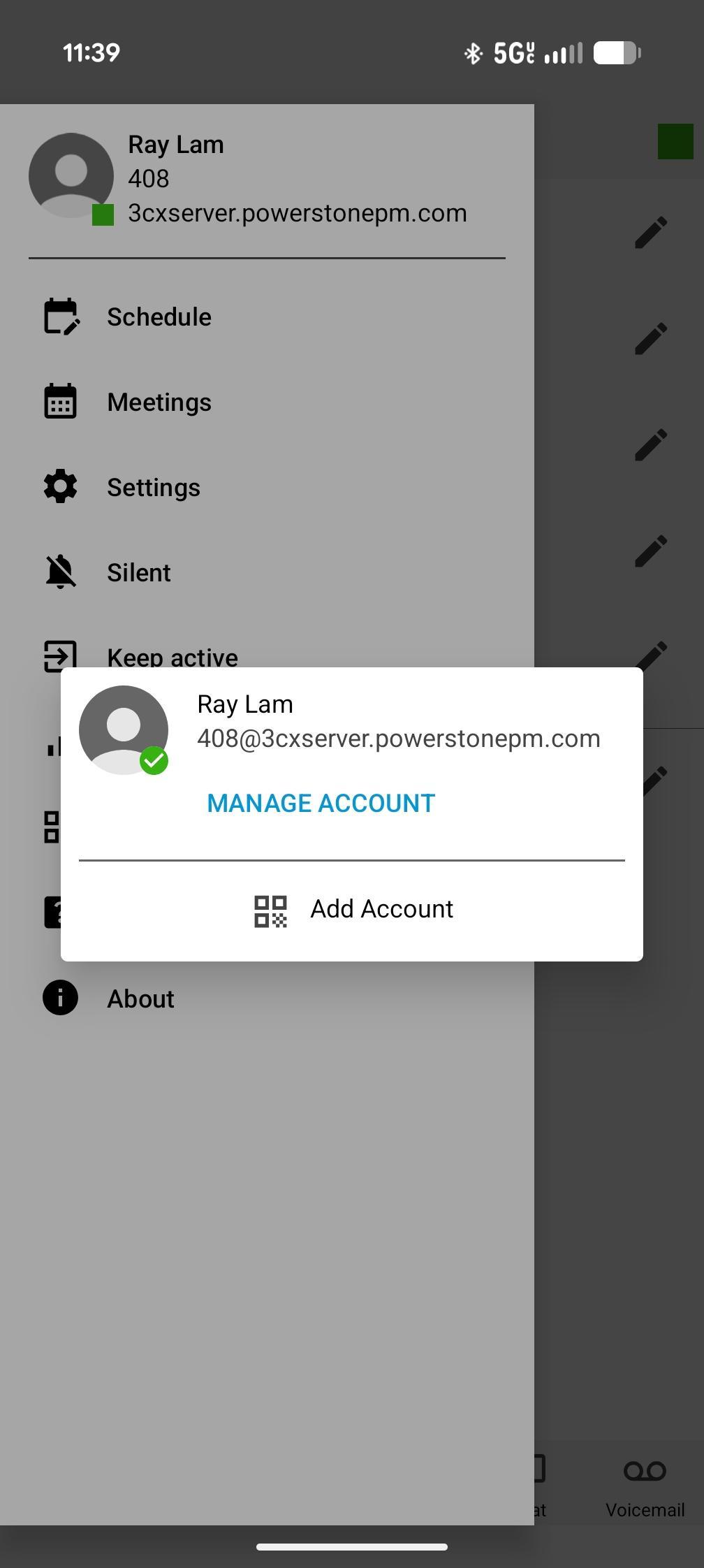
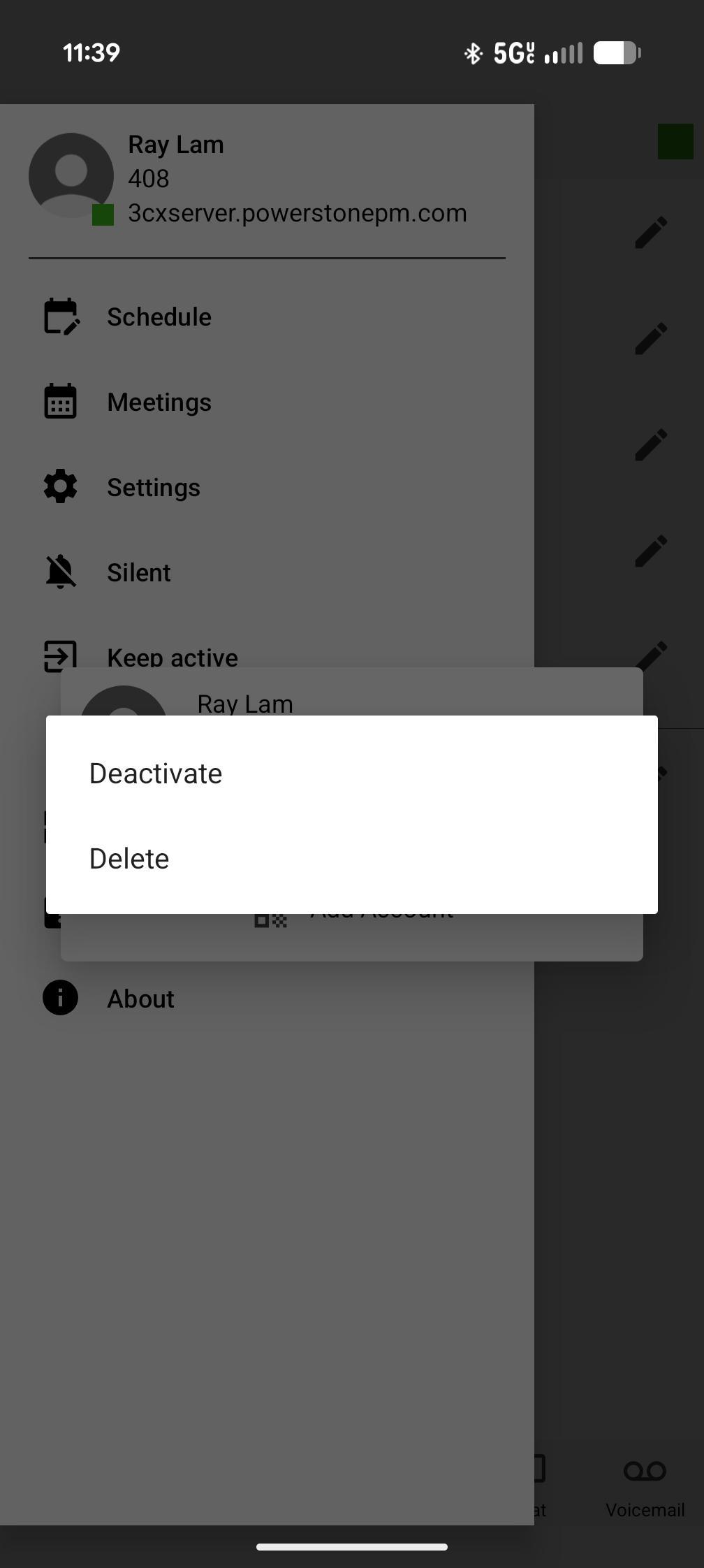
Android > Click on your account > a new box with your account will show up > long-press your account name > and select “Deactivate”, “Edit” or “Delete”
iPhone > Accounts > tap on the little circle to untick for log out and tick to log in

Modified on: Thu, 12 Feb, 2026 at 11:52 AM
Android > Click on your account > a new box with your account will show up > long-press your account name > and select “Deactivate”, “Edit” or “Delete”
iPhone > Accounts > tap on the little circle to untick for log out and tick to log in
Did you find it helpful? Yes No
Send feedback