
Transferring a call on desk phone
Warm Transfer:
- While on an active call, press the Transfer soft key.
- Dial the number of the other party.
- When the destination party answers, provide the information, and confirm that they would like to take the call.
- Press the Transfer soft key.
Blind Transfer:
- While on an active call, press the Transfer soft key.
- Press the B transfer soft key.
- Dial the extension of the other party.
- Press the Transfer soft key.
Transferring a call on 3CX web client
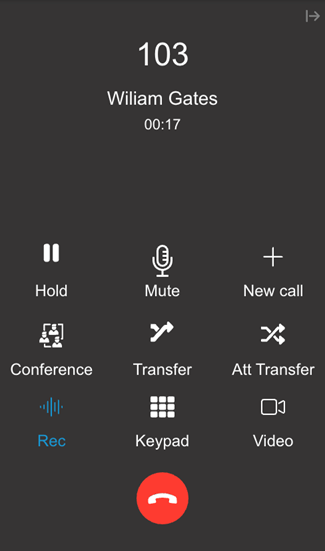
Warm transfer:
- During a call, press the “Att Transfer” button.
- Dial the number of the other party.
- Confirm with the other party that you can transfer them over.
- Press “Join” to transfer
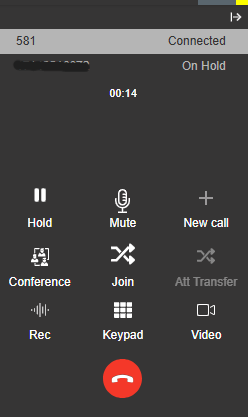
Blind Transfer
- During a call, press “Transfer”
- Enter the extension of the party you are looking to contact.
- Your phone will hang up and the call will transfer to the other user.