Click the Network Icon by the clock, you will see:
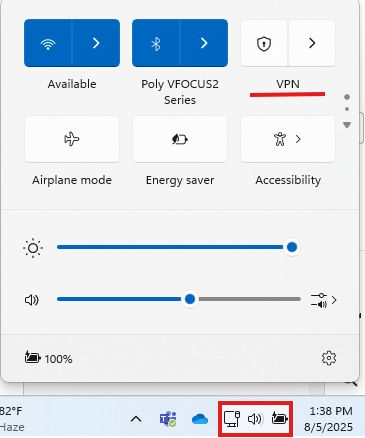
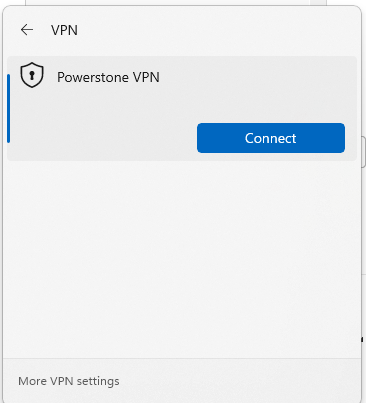
Click on Powerstone VPN, and then Connect:
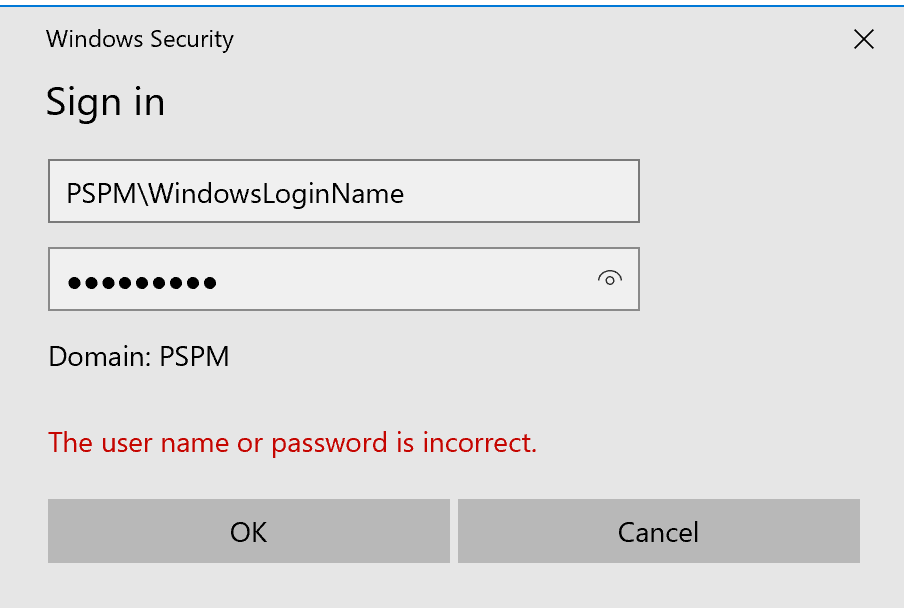
The following screen will pop up. Enter your credentials as follows:
Username: PSPM\YourWindowsLoginName (usually First Initial, Last Name)
Password: You windows password you login your computer with.
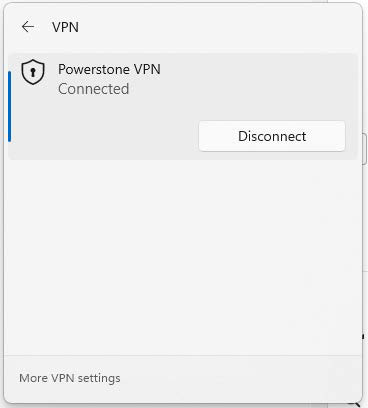
When you hit OK, it will authenticate, and the login box will disappear. You can now click on the Network Icon again, and you should see:
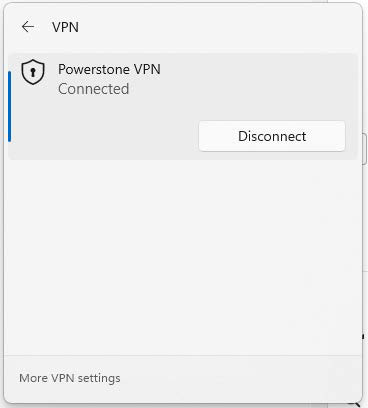
Alternatively, you can verify if the VPN connection is successful if you see a blue shield next to your network
icon.