Multi factor authentication
Print
Created by: Ray Lam
Modified on: Thu, 10 Sep, 2026 at 12:02 PM
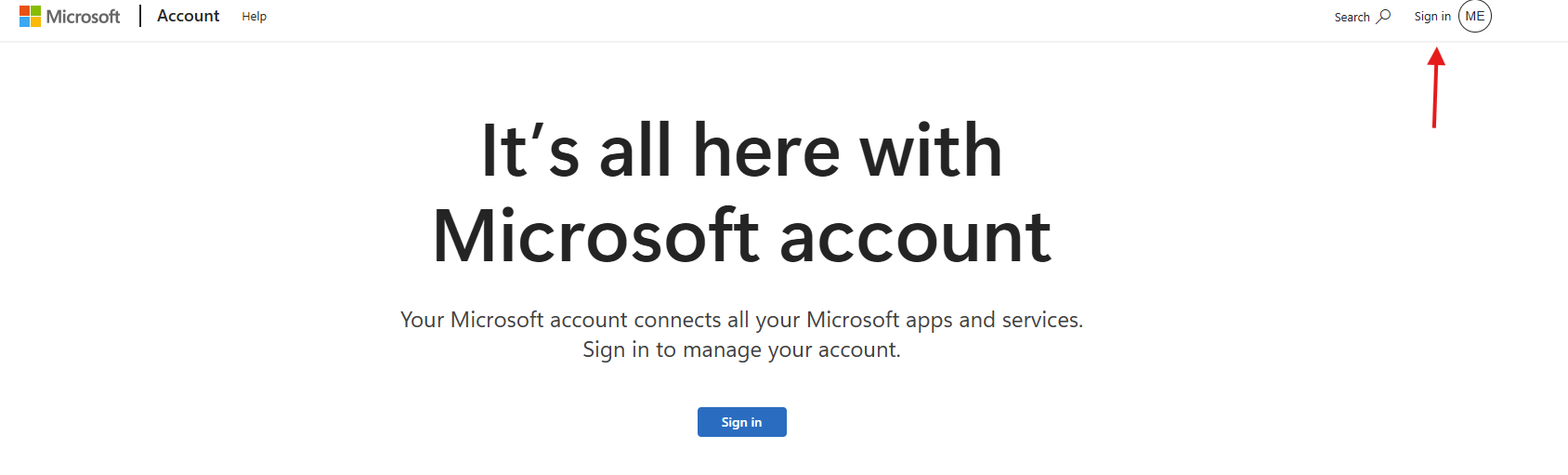
- Go to account.microsoft.com
- Sign in on the top right
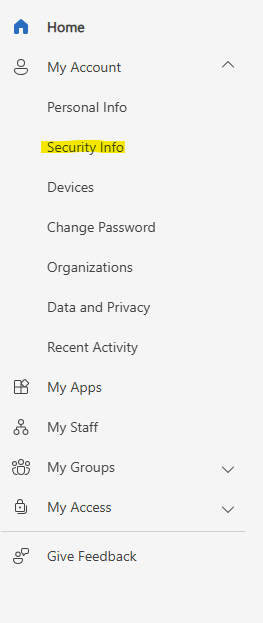
- On the left hand side, expand "My Account" and click on "Security Info"
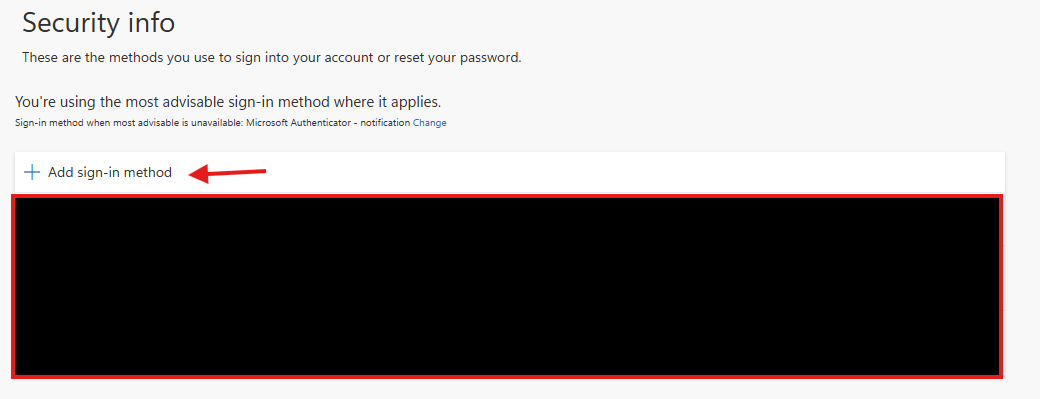
- Click on "Add sign-in method"
- Choose "Microsoft Authenticator"
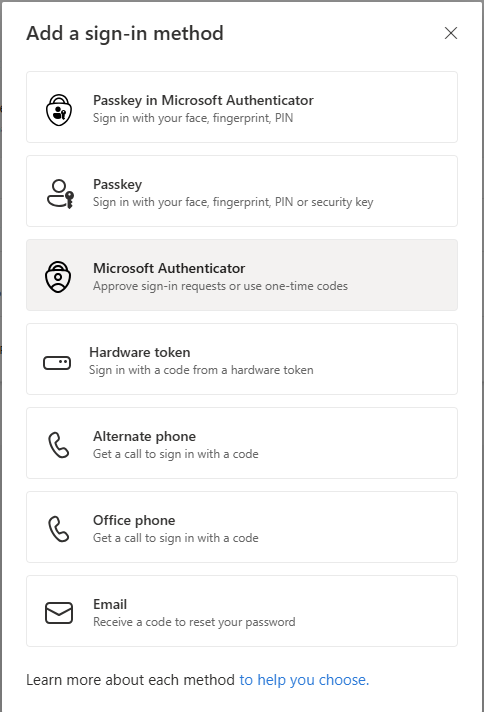
- Follow the instructions on the next screens and scan the QR code from within the Microsoft Authenticator app.
- At the end, a test notification will be prompted on your phone to verify that the MFA has been connected successfully.
Ray is the author of this solution article.
Did you find it helpful?
Yes
No
Send feedback Sorry we couldn't be helpful. Help us improve this article with your feedback.