3CX - Conference calls
Print
Created by: Ray Lam
Modified on: Thu, 1 Oct, 2026 at 9:29 AM
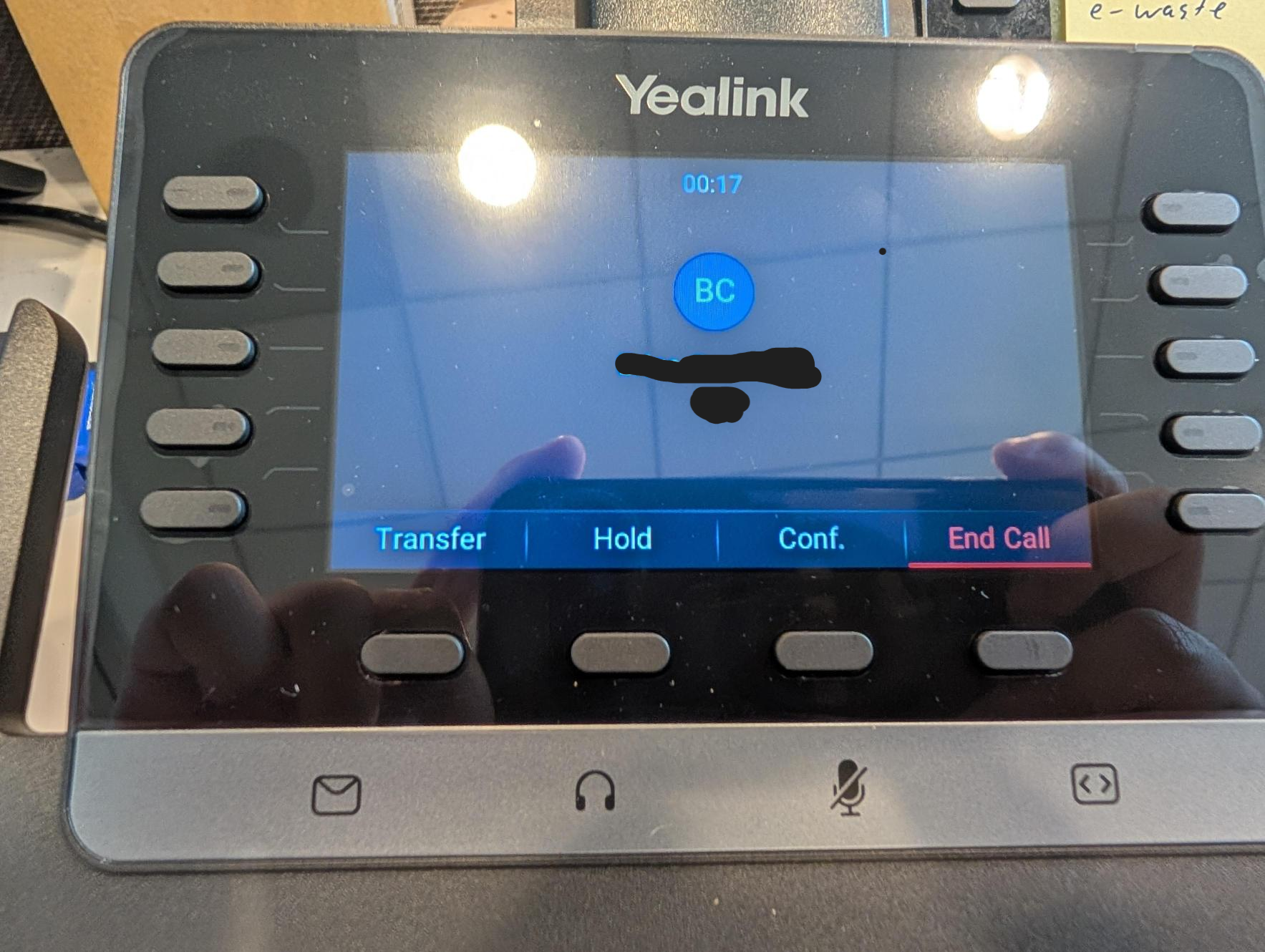
- Press the Conf. soft key during an active call. The call is placed on hold.
- Enter the number of the second party, and then press the Call soft key.
- Press the Conf. soft key again when the second party answers. All parties are now joined in the conference.
- Press the End Call soft key to disconnect all parties
Ray is the author of this solution article.
Did you find it helpful?
Yes
No
Send feedback Sorry we couldn't be helpful. Help us improve this article with your feedback.